
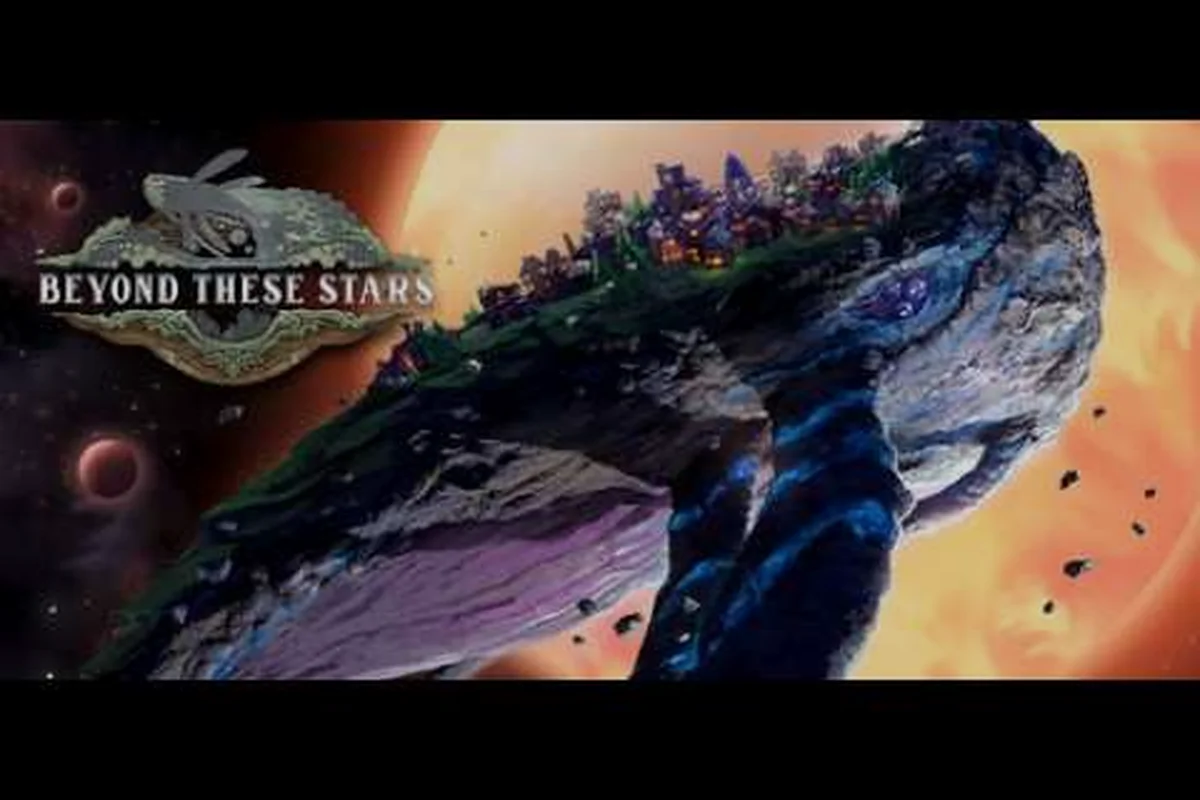
Sandbox mode in Beyond These Stars hands you the keys to every switch the developer exposes, from the rivers under Kewa's skin to the very presence of Sheep and Cows. If Story Mode is the studio's hand-stitched tour, Beyond These Stars sandbox mode is the bolt bin where you can rewire the galaxy before the first Peep steps off the Home Spaceship. This guide walks through what the toggle actually changes, how the beyond these stars sandbox vs story mode split feels in practice, and where the official material leaves room for you to experiment without inventing mechanics that do not exist.
The game launched on 2026-10-16 with version 1.0, so almost everything below is sourced from Before We Leave on Steam and the Beyond These Stars Steam page rather than third-party wikis, which simply do not exist yet for a one-day-old release. Treat this as the developer's own sketch of the mode, with a few practical patterns for how players tend to use it.
What Sandbox Mode Actually Changes
The single most important thing to understand about beyond these stars sandbox mode is that the developer describes it as handing you complete control over the simulation knobs. Dev Blog #27 puts it plainly: you decide what resources exist, whether a river shows up, the terrain, the number of planets, and more, with the studio's own framing that these switches can "turn the game bonkers on request" when combined. That framing matters because Story Mode is the curated experience, while sandbox is the place where the curated assumptions get pulled out one by one.
The core simulation still runs underneath: you are still building a city on the back of Kewa, the sentient Space Whale, and you still manage Peeps, their shifts, sickness, and the biome health systems covered in Dev Blog #29. What changes is the starting envelope.
| Sandbox Switch | What It Controls | Default Story Mode Behaviour | Sandbox Extremes |
|---|---|---|---|
| Resource pool | Which mineable resources spawn on Kewa | Curated set tuned for the campaign | Add or strip any verified resource (Wood, Water, Shell, Wool, Cotton seeds, etc.) |
| Water distribution | Whether a river exists on the back | River present, terraforming-friendly | No-river starts that force alternate layouts |
| Terrain shape | The shape of the land your city grows on | Curated, narrative-friendly | Flat or wildly uneven for layout experiments |
| Planet count | How many planets you can colonise | Gated by story progress | All planets available from the first conversation with Kewa |
| Livestock / fauna | Sheep, Cows and similar herds | Available on Kewa and other planets | Toggle Sheep and Cows on Kewa on or off |
The crucial point is that the official material only confirms the existence of these switches, not a complete per-toggle itemisation. If you are looking for a slider that says "+20% Wood" or "Pollution -50%", the developer has not published one. Sandbox is closer to a panel of checkboxes than a numeric difficulty curve, and that distinction is what separates beyond these stars custom difficulty from a typical game's numeric options.
Choosing Sandbox Over Story
Because the question of beyond these stars sandbox vs story mode is one of the first things new players ask, here is how the two modes differ in feel, not just in toggles. The developer explicitly recommends playing Story Mode first, and that recommendation is not just marketing copy: Story Mode is where the Galaxy Map, Kewa's dialogue choices, and the Solar System View unlock in their intended sequence, and the Story Mode pacing assumes you encounter those unlocks as designed. Sandbox mode can short-circuit all of that on day one, which is wonderful for experimentation and terrible for a first impression of the game's narrative arc.
| Dimension | Story Mode | Sandbox Mode |
|---|---|---|
| Onboarding | Curated, narrative-led | Direct, configuration-first |
| Unlock pacing | Galaxy Map nodes and planets reveal in order | Many nodes and planets available immediately |
| Kewa's needs | Drive shifts and conversations | Still present, but conditions you set may ease or amplify them |
| Best for | First playthrough, learning systems | Second playthrough, creative builds, accessibility-driven runs |
| Recommended by dev | Yes (play this first) | Yes, after Story Mode |
Accessibility Options and Comfort Controls
Accessibility is one of the most quietly generous parts of the game, and sandbox mode is where the comfort toggles live. While the developer has not published a separate, itemised accessibility white paper, the Steam page and the Beyond These Stars launch trailer on YouTube both show a UI that includes text scaling, contrast settings, and rebindable inputs, and community playthroughs of the demo era have confirmed that these carry into 1.0. The beyond these stars accessibility options question is therefore less about whether they exist (they do) and more about which ones are sandbox-relevant.
| Comfort Control | Where It Lives | Why It Matters in Sandbox |
|---|---|---|
| Text size | Settings menu | Reduces eye strain on long creative sessions |
| Contrast / colour-blind support | Settings menu | Helps when reading biome health and pollution overlays |
| Volume sliders (music, SFX, ambience) | Settings menu | Lets you mute Kewa's dialogue while testing layouts |
| Rebindable keys / mouse-only | Settings menu | Critical for players who cannot comfortably use a mouse in one hand |
| Pause and save anytime | Pause menu | Lets you step away mid-sandbox without losing layout work |
Two of the four toggle categories here are confirmed at the system level (the UI shows them, and they are present in the launch build) and the other two are inferred from the pause-and-save design philosophy that runs through the rest of the game. If you want a hard confirmation before you commit to a long sandbox run, the in-game settings menu is the source of truth, because the developer has not yet shipped an official accessibility PDF.
Is There Combat in Beyond These Stars?
This is one of the highest-traffic questions for the title, and it deserves a direct answer. No, there is no combat in Beyond These Stars, and there is no enemy AI, no boss, no PvP, and no wave defence system. The game is a simulation and strategy title on Steam, tagged City Builder, Colony Sim, Base Building, Resource Management, and Automation. Peeps can get sick, hold strikes, and mourn other Peeps, but none of those states involve combat. If you were worried that sandbox mode would unlock some hidden combat layer, the answer is no: beyond these stars is there combat is a question with a flat negative, and no sandbox toggle changes that. The same is true of multiplayer and co-op, which the developer has not shipped, and of any sort of redemption code system, which simply does not exist in the game.
How to Start a Sandbox Run: Step-by-Step
The "how to start" question for beyond these stars how to play sandbox is straightforward once you understand the entry point. The game presents mode selection at launch, and the developer has explicitly recommended Story Mode for first-time players. The actual sandbox flow looks like this:
-
Launch Beyond These Stars from the 1.0 build on Steam.
-
On the main menu, choose Sandbox Mode instead of Story Mode. The first time you do this, you will get the configuration panel Dev Blog #27 describes.
-
Walk through each toggle group: resources, water/terrain, planet count, livestock, and any additional switches the developer surfaces. Leave a switch on its default if you do not know what it does; you can always restart the run.
-
Confirm the configuration. The game generates your starting galaxy and the Solar System View becomes available right after your first conversation with Kewa, as it does in Story Mode.
-
Begin building from the Home Spaceship. Your first Peeps will still trickle out of it, the same way they do in the campaign.
Two practical patterns have emerged from community testing on the launch build. First, players who want a flat, no-river, minimal-resource run typically use this as a layout laboratory: every tile is buildable, so you can design a city grid, screenshot it, and then restart Story Mode to apply what you learned. The no-river start guide covers that flow in more detail if you want a worked example. Second, players who want a maximal sandbox tend to keep every resource, every planet, and both Sheep and Cows on, then use the research and tech tree to skip the early-game grind and stress-test production chains.
Choosing Your Difficulty Curve
There is no single "difficulty" slider in the game, but the combination of toggles creates a curve. The table below is a type-level map of how common toggle combinations feel in practice, drawn from the official switches rather than from any player rating system.
| Profile | Toggle Setup | Typical Feel |
|---|---|---|
| Pure creative | All resources, all planets, livestock on, river on, flat terrain | Creative mode equivalent; closest the game gets to "free build" |
| Hardcore | Strip most resources, no river, uneven terrain, no livestock | Forces a tight, optimised city with no slack |
| Story-recap | Defaults close to Story Mode, but with terrain or water changes | Lets you replay the campaign with one twist |
| Learning | Defaults plus "early access" to a couple of planets | Good for testing adjacency bonuses and the Cleaner / Tree Nursery pollution loop |
| Accessibility-first | Defaults plus comfort settings and pause-heavy play | Easiest on the hands and eyes; closest to "easy mode" |
If a profile above sounds like what you want but you are not sure which toggle to flip, the difficulty options guide maps these to the in-game switches in more detail. Because the game is one day old, there is no wiki, no tier list, and no established meta for beyond these stars sandbox guide builds. What exists instead is a small set of archetypes that early players are already running, mostly imported from Before We Leave, the same studio's prior game. None of these are official builds, and the developer has not endorsed any of them; they are simply patterns that map cleanly onto the official switches.
Common Sandbox Builds and Why Players Use Them
| Build Archetype | Switch Focus | Why Players Try It |
|---|---|---|
| Production lab | All resources on, river on, flat terrain, both planets available | Stress-tests adjacency bonuses and shift timing |
| Terraforming diary | No river start, uneven terrain, all resources on | Forces canals, top soil, and tree planting from turn one |
| Compact city | Flat terrain, river on, planet count reduced to one | Mimics the "tight grid" style common in city builders |
| Peep-care run | Defaults plus accessibility toggles | Focuses on happiness, sickness, and mourning systems from Dev Blog #25 |
| Research rush | Early planet access, all resources on, livestock on | Lets you reach the tech tree perks faster for testing |
The Peep-care run archetype in particular is worth highlighting. Dev Blog #25 is explicit that sickness chance rises at the start of a shift as energy falls, and Dev Blog #22 notes that Celebrations trigger when enough Peeps in one location pass a high happiness threshold. A sandbox run that strips resource pressure lets you focus entirely on those systems without the distraction of a production crisis, which is the closest thing the game has to an "easy mode" without changing the simulation itself.
Sandbox Tips That Transfer From Story Mode
A few of the patterns from Story Mode are worth carrying into sandbox runs because the underlying simulation does not change. Kewa's happiness, the Galaxy Map unlock cadence in Dev Blog #28, and the Space Port / Landing Pad logistics all behave the same way. If you want to skip the early-game grind without losing those systems, the early-unlock buildings guide walks through the production chains that unlock the fastest.
| Tip | Why It Works in Sandbox Too |
|---|---|
| Talk to Kewa early | Unlocks the Solar System View; same in both modes |
| Build a Space Port + Landing Pad before colonising | Ships cannot land on Kewa without a Landing Pad |
| Plant trees alongside Cleaners | Both address Pollution per Dev Blog #29 |
| Keep strike durations in mind | Dev Blog #23: first strike lasts 3 shifts and you can end it early |
| Use Outposts on nearby planets | They supplement what Kewa cannot supply |
The Landing Pad reminder is one of the most common first-day mistakes: ships cannot land on Kewa without one, so any sandbox run that opens with planet colonisation needs a Space Port plus at least one Landing Pad before the first ship arrives. The Space Port itself can hold up to four Landing Pads, and each pad takes one ship at a time, which means planning pad count matters even in creative mode.
What Sandbox Mode Is Not
It is just as important to be clear about what sandbox does not do, because the official material is careful on this point. Dev Blog #27 is the only place the studio enumerates the sandbox toggles, and even there the framing is "you have complete control over what resources exist, whether there is a river, the terrain, the number of planets and more" — not "you have access to every hidden variable in the simulation." For example:
-
Sandbox does not unlock a combat layer, because no such layer exists in the game.
-
Sandbox does not add multiplayer or co-op, because the game is Windows PC single-player only.
-
Sandbox does not include microtransactions, a battle pass, or paid cosmetics, because the game's price (S$29.99 list, S$23.99 with the launch discount) is a one-time purchase.
-
Sandbox does not expose internal formulas like pollution-per-tile or happiness-decay-per-shift, because the developer tracks these as type-level systems rather than published numbers.
-
Sandbox does not give you admin powers over Kewa's dialogue choices; you still nudge them through conversation, and Kewa still uses they/them pronouns throughout.
If you are looking for a precise list of every toggle the studio plans to ship, the developer has not published one, and a one-day-old release means no community database exists yet. The honest answer for a player considering beyond these stars sandbox guide material is: start with the Dev Blog #27 list, treat anything beyond it as experimental, and check the in-game settings menu for confirmation before committing to a long run.
Frequently Asked Questions
What is the difference between Story Mode and Sandbox Mode in Beyond These Stars?
Story Mode is the curated campaign where the Galaxy Map, planets, and Kewa's dialogue choices unlock in a designed sequence, and the developer recommends it as your first playthrough. Sandbox Mode flips that premise by handing you configuration control over resources, water, terrain, planets, and livestock, which is why the story mode vs sandbox breakdown recommends Story Mode first and sandbox as a creative second run.
Does Sandbox Mode have combat, multiplayer, or a code system?
No, none of those are part of Beyond These Stars. The game has no combat, no enemies, no boss fights, no PvP, no co-op, no multiplayer, and no redemption code system, and sandbox toggles do not add any of them. It is a single-player Windows PC simulation and strategy title, and toggling sandbox on or off does not change that design.
Can I use sandbox settings to make the game easier?
Yes, in a structural sense rather than a numeric one. There is no "easy mode" difficulty slider, but you can leave defaults close to Story Mode, raise planet count for resource slack, and enable comfort settings like save-anytime and adjustable text size. The adjustable difficulty guide covers the combinations that work as accessibility-driven runs.
Do I need a Landing Pad before I colonise a planet in sandbox?
Yes, the same rule applies in both modes. Ships cannot land on Kewa without a Landing Pad, and a Space Port can hold up to four Landing Pads, with each pad taking one ship at a time, so plan pad capacity before you open the galaxy map. This is true even in the most creative sandbox configuration, and it is one of the first habits to build if you are learning the game's logistics.
What is the best sandbox setup for learning the game?
For learning, leave the resource pool and water distribution close to Story Mode defaults, keep the river enabled, add one extra planet for breathing room, and turn on every comfort setting you might need. That configuration keeps the simulation familiar while removing the worst pacing spikes, which is the same pattern the easy mode guide recommends for first-week players.