
Sandbox
Sandbox Mode puts resources, rivers, terrain and planet counts in your hands. Compare story versus sandbox difficulty and see every accessibility setting Steam lists.
Introduction
Sandbox Mode is Story Mode with the training wheels removed and the dials exposed. Instead of a structured sequence deciding what resources exist and how the plate is shaped, you choose them: which resources are present on Kewa including livestock such as sheep and cows or where deposits sit, whether your game starts with a river or without one at all, whether the terrain is flat, hilly or studded with tall spires and mesas, and how many planets exist along with what resources and biome each one carries. You can also unlock every building from the start rather than researching toward them. Every selection carries an indicator of how it shifts difficulty, with an overall summary for the game, which turns the vague idea of making things easier into a set of concrete choices. On top of that, the game ships with a broad accessibility package that Steam lists explicitly — adjustable text size, camera comfort, contrast controls, custom volume, adjustable difficulty, mouse-only play, play at your own pace, play without timed input, and save anytime. Choosing how much pressure to keep is part of the design rather than a concession.
Sandbox Settings & Accessibility Options
| Setting | What You Control | Effect On The Run |
|---|---|---|
| Resources | Which resources exist on Kewa, including livestock such as sheep and cows, and where deposits sit | Rewrites which production chains are viable and how much off-world supply you will need |
| Water | Whether the game starts with a river or with no river at all | Removes the easiest water access, changing how early you must dig canals and where housing can go |
| Terrain | Flat, hilly, or studded with tall spires and mesas | Decides how much reshaping you must do to get adjacency bonuses and short commutes |
| Planets | How many planets exist, and what resources and biome each carries | Sets the scale of the outpost layer before you have built a single ship |
| Building unlocks | Whether every building is available from the start | Skips the research gate entirely, for players who want to build rather than progress |
| Difficulty indicators | Per-selection and overall summaries of how each choice shifts difficulty | Turns preference into a readable trade instead of an opaque modifier |
| Accessibility options | Text size, camera comfort, contrast, volume, mouse-only play, no timed input, save anytime | Makes a relaxed or physically comfortable playthrough a supported configuration |
Sandbox Configuration Choices
Sandbox vs Story
Choosing a mode
Resources & Water
Starting conditions
Terrain Shape
Layout pressure
Planets & Unlocks
Scale and pacing
Camera & Session Comfort
Long-session settings
Difficulty Indicators
Reading the dials
Accessibility
Comfort settings
Core Mechanics
Sandbox Mode is a configuration layer over the same systems Story Mode runs. You decide which resources exist on Kewa and where deposits sit, whether there is a river at the start, what shape the terrain takes, how many planets exist and what each carries, and whether every building is unlocked immediately. Each choice reports how it shifts difficulty, and an overall summary aggregates them, so configuration stays legible instead of becoming a hidden multiplier. Because those settings feed directly into the systems that make the game hard — water access determines canal needs, terrain shape determines how much terraforming pressure you will face, resources determine which production tiers are viable, and planet count determines how much of the outpost layer you will play — Sandbox effectively lets you choose which parts of the game you want to engage with. Accessibility settings then work orthogonally, adjusting how the game presents itself rather than how it challenges you, so a relaxed run is a configuration rather than a workaround.
Advantages
Sandbox Mode turns preference into configuration, which is rarer than it sounds. Rather than a single hidden difficulty multiplier, you get per-selection indicators telling you how each choice shifts the challenge, so a run can be hard in the ways you enjoy and gentle in the ways you do not — harsh terrain with generous resources, or a no-river start with every building already unlocked. Because the settings feed the same systems Story Mode manages, nothing you learn in one mode is wasted in the other, and switching does not require relearning the game. The accessibility package is genuinely comprehensive for the genre: text size, camera comfort, contrast, custom volume, adjustable difficulty, mouse-only play, no timed input and save anytime are all officially supported. In a game where terrain contour reading matters and resource menus carry a lot of small numbers, those settings do real work rather than satisfying a checklist.
Challenges
The obvious cost of exposing the dials is that Sandbox removes the pacing that makes the early game teach you anything. Unlocking every building from the start skips the research sequence that normally introduces Peep expectations one step at a time, so a fully unlocked run can feel like it begins at mid-game pressure with none of the preparation. The settings also interact in ways the indicators summarise rather than explain: a no-river start on spire-heavy terrain with sparse deposits is a different game from any one selection suggests, and the overall summary is a direction rather than a difficulty rating you can target. Controller support is absent, which is a real gap for handheld players given how much of this game is comfortable, unhurried decision-making. And because the developers have not published underlying numeric thresholds, Sandbox lets you configure pressure without letting you understand exactly what you have configured.
Frequently Asked Questions
What is the difference between Story Mode and Sandbox Mode?+
Can I play without combat or time pressure?+
Is there a creative or free-build mode?+
What accessibility and difficulty options are there?+
Quick Tips
Choose your resources and water setting before anything else, because every later decision about layout, farming and outposts follows from what the plate can actually give you. A no-river start with sparse deposits is a substantially harder game than a river start with livestock, and the difficulty indicators show that trade rather than hiding it.
Pick the terrain shape you intend to build for rather than the shape that looks interesting. Rough ground means more terraforming pressure later, and reshaping a spire-studded plate into a flat grid is exactly the kind of over-exploitation that degrades the biome and shrinks the habitat you were trying to expand.
If you want to test a layout idea, unlocking every building from the start is far faster than running the research sequence to reach the same tools. The trade-off is that skipping research also skips the pacing that introduces Peep expectations gradually, so a fully unlocked run can feel like it begins at mid-game pressure.
Read the difficulty indicators per selection instead of treating the overall summary as a score. They let you keep the challenge you enjoy and soften the parts you do not, so a run with harsh terrain but generous resources and instant unlocks is a coherent preference rather than a compromise you settled for.
Turn on the accessibility settings that matter for long sessions even if you do not need them physically. Adjustable text size and camera comfort make a real difference in a game where you read terrain contour constantly and scan resource menus full of small numeric labels, and there is no cost to enabling them.
Featured
Beyond These Stars Sandbox Mode: Custom Difficulty Guide
Build without limits in Beyond These Stars Sandbox Mode. Learn what you can change, how no-river starts work, and how to tailor terrain and resources to your style.
Beyond These Stars How to Start Without a River on Any Plate
Survive a dry start with this beyond these stars how to start without a river guide — learn terrain options, flat map settings, and early water strategies that work.
Beyond These Stars How to Unlock Buildings Early: Sandbox Tips
Skip the grind in Beyond These Stars with this unlock buildings early guide: Sandbox Mode tips, Story Mode shortcuts, and settings that adjust difficulty.
All Articles
Beyond These Stars Story Mode vs Sandbox: Which to Pick
Compare Beyond These Stars Story Mode vs Sandbox to weigh custom game settings, starting resources, and no-river options and choose the playthrough that fits you.
Beyond These Stars Text Size: Contrast, Volume & Cozy Mode
Tune Beyond These Stars text size, contrast, and volume controls for a comfortable, accessible city builder session on any display.
Beyond These Stars Adjustable Difficulty & Accessibility
Play your way with Beyond These Stars adjustable difficulty — save anytime, use mouse-only controls, and tweak camera settings for a relaxed city builder pace.
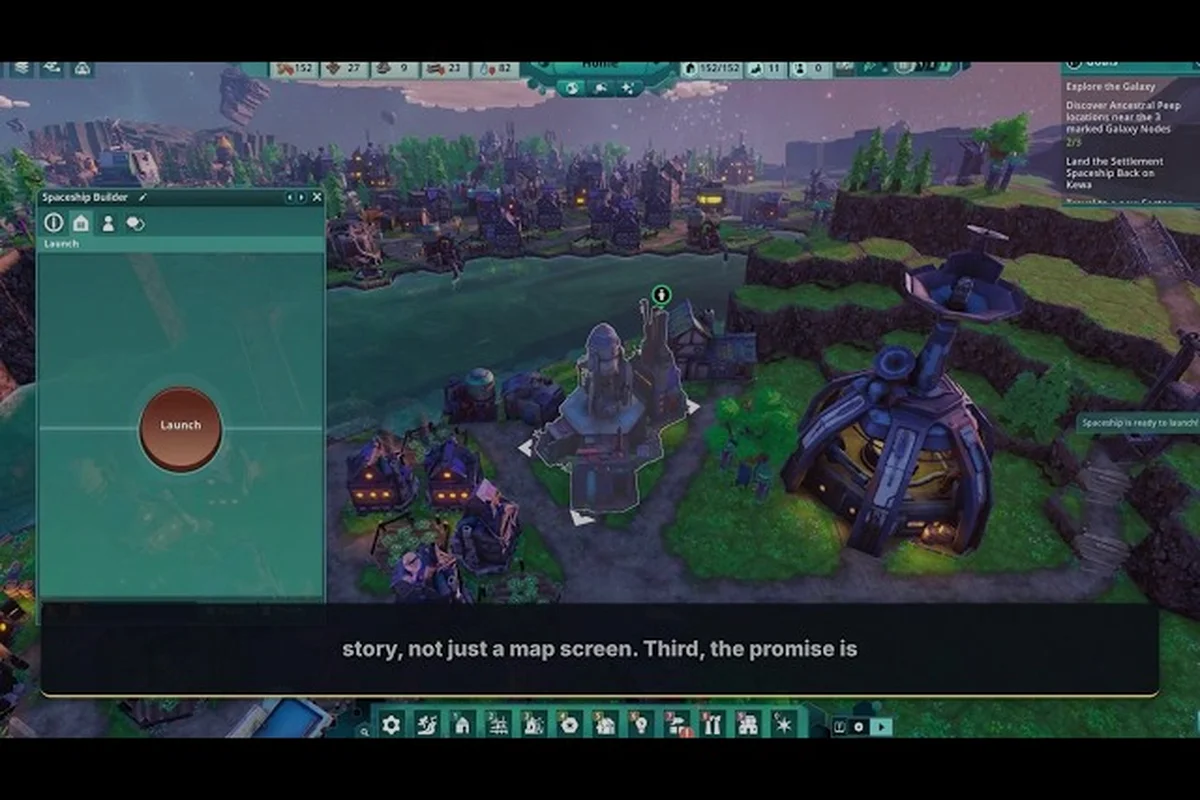
Beyond These Stars Single Player Only: No Co-op Explained
Confirm that Beyond These Stars is single player only, see why the game has no co-op or multiplayer, and check the Windows-only platform and language details.

Beyond These Stars Difficulty Options: Creative & Free Build
Browse every Beyond These Stars difficulty option — from Creative and Free Build to sandbox galaxy map seeds, and find the settings that match your pace.